The UX Design Process for SaaS Products: A Step-by-Step Guide
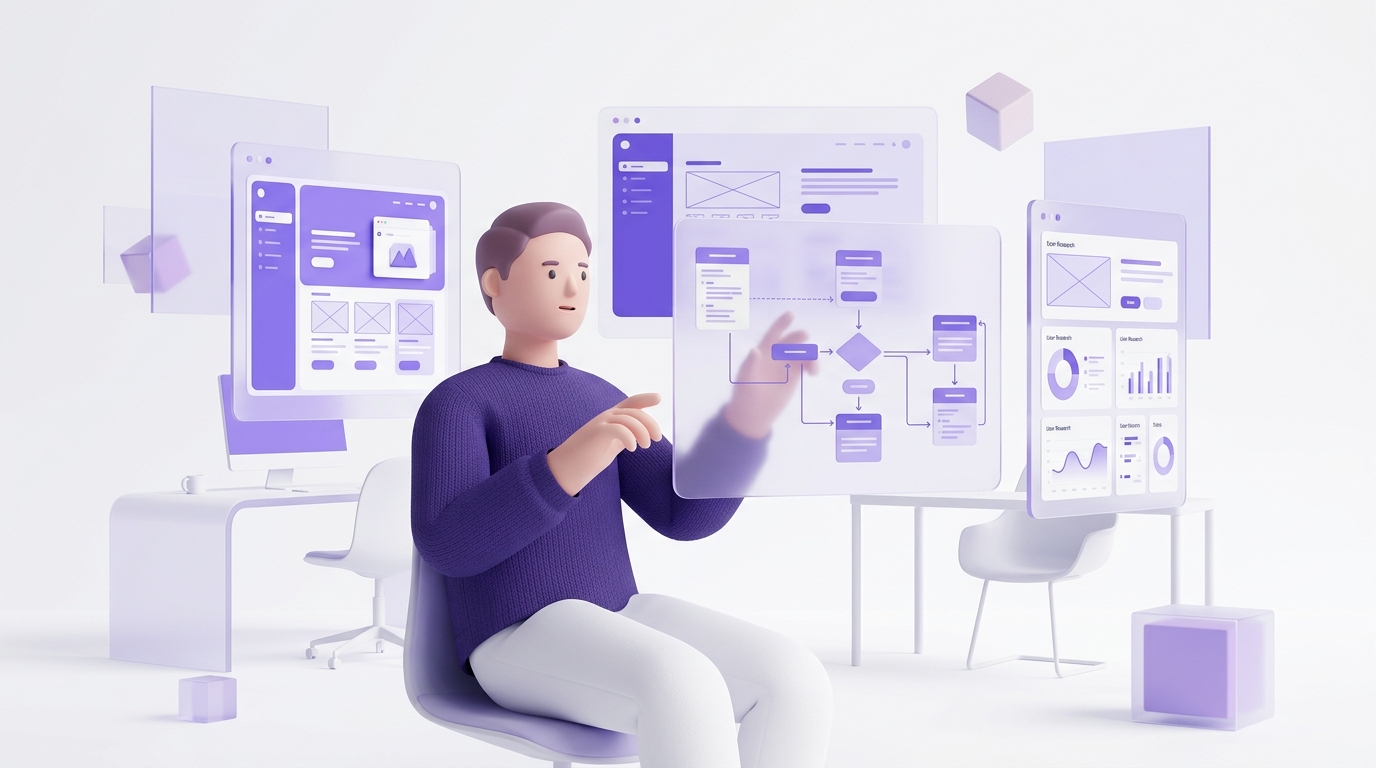
Why SaaS UX Is Different from Other Product Design
Designing for SaaS products has unique challenges that consumer app design or website design don't face. Your users are often power users who return to the product daily — so complexity is acceptable as long as it's learnable. But activation is fragile — if users don't reach their first "aha moment" in session one, most won't return. And retention is everything — a 5% improvement in user retention typically increases LTV by 25-95%.
The UX design process for SaaS needs to balance depth for power users with accessibility for new users, and it needs to be grounded in behavioral data — not just user preferences.
Phase 1: Define the Core User Journey
Before any wireframing, define the minimal path from signup to first value. This is your "critical path" — the fewest steps required for a new user to experience the core value of your product. For a project management tool, it might be: create project → add task → invite teammate → check off task. For an analytics tool, it might be: connect data source → view first dashboard → share insight.
Everything in your onboarding UX should guide new users down this critical path as efficiently as possible. Every feature that exists outside this path is an obstacle to activation for new users — handle it with progressive disclosure.
Phase 2: User Research
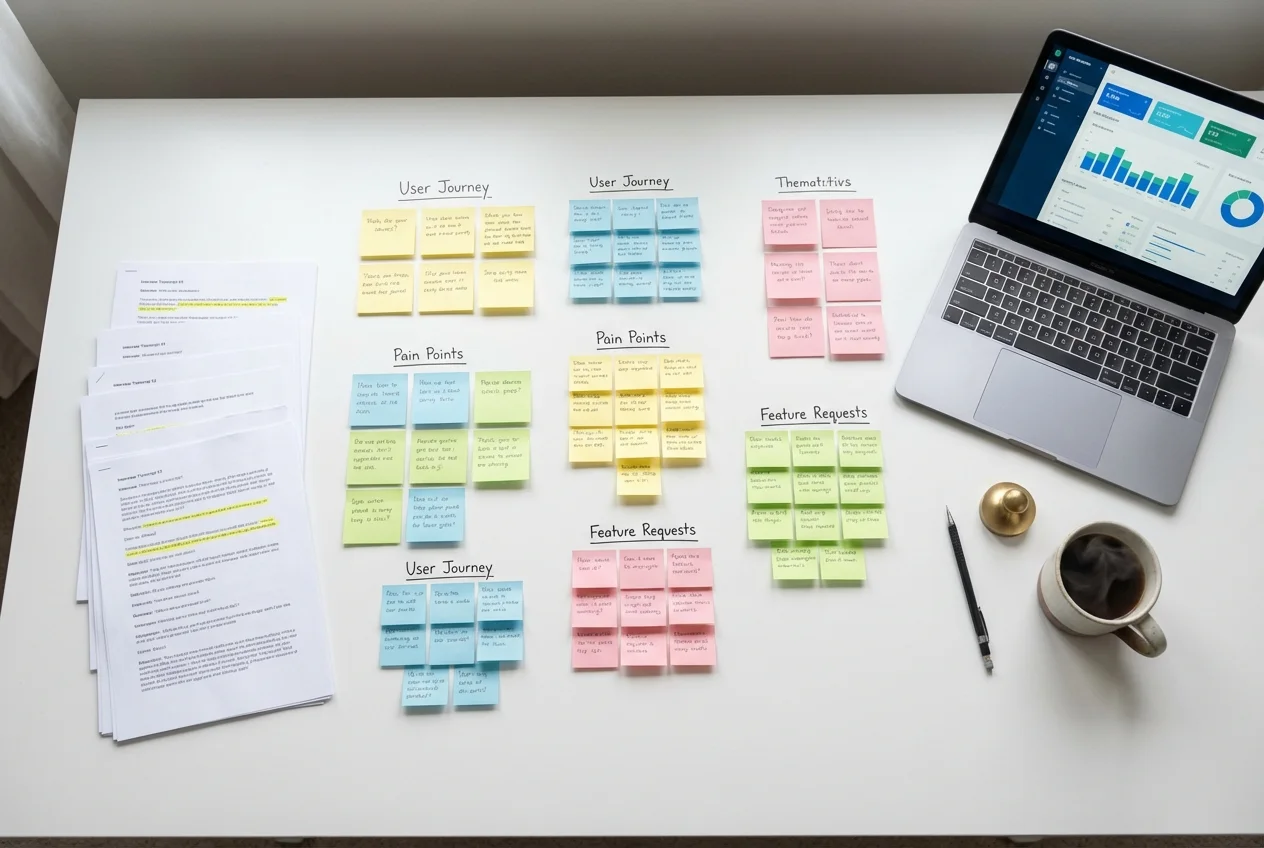
Run moderated usability tests with 5-7 users who match your ICP. Give them a realistic scenario — not "explore the app" but "imagine you just signed up and you want to [core use case]. Show me how you'd get started." Watch where they get stuck, where they hesitate, and what they expect to happen that doesn't.
Supplement this with quantitative data: where in the onboarding funnel do most users drop off? What's the event sequence of your highest-retained users in their first session? What's the last event before users who churn stop being active?
Phase 3: Identify the Real Problems
Usability testing reveals symptoms. Your job is to diagnose the root cause. Common SaaS UX problems and their real causes:
- Users don't understand the value proposition → Onboarding doesn't demonstrate the product's core value early enough
- Users don't complete setup → Setup requires too much upfront data entry before showing any value
- Users don't discover key features → Navigation doesn't surface relevant features in context
- Users don't return after day 1 → There's no habit loop or clear reason to return
Phase 4: Design, Prototype, and Test
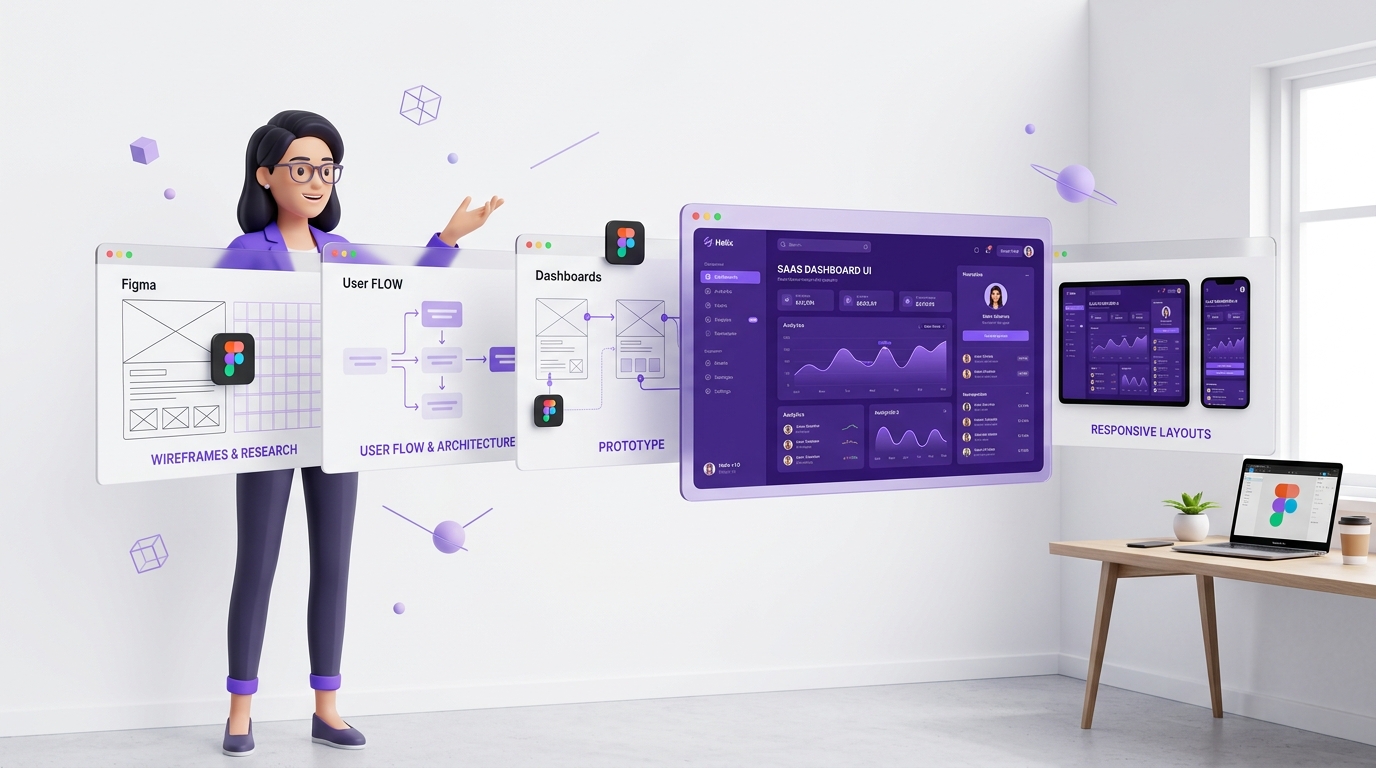
Sketch the solution to the highest-priority problem first. Build a low-fidelity prototype (wireframe quality is fine) and test it with 3-5 users before investing in high-fidelity design. This sounds obvious, but most teams skip it and go straight from concept to high-fidelity UI — then find out in production that users still don't understand it.
Once the concept is validated, move to high-fidelity UI. Build in Figma with a component library that matches your production design system — this makes developer handoff dramatically faster and reduces implementation drift.
Phase 5: Measure and Iterate
Track your success metrics 30, 60, and 90 days after launch. If conversion improved but retention didn't, you solved the wrong problem. If both improved, investigate which design changes drove the most impact so you can double down. Great SaaS UX is never done — it's an ongoing process of measurement and improvement.
 UX Research & User Testing
 Product UX & UI Design
 UX Audit & Expert Review